They found us on Thumbtack while moving into a new office near Union Square. The network side was still fuzzy, so we quoted a clean UniFi build.
They looked at something cheaper first. That fell through close to move-in, then things went quiet. Midweek they came back. They needed it working by Friday.
We tightened the scope to what the room actually needed and locked Friday on site.
The space already had Meraki gear in the rack. Sounds handy until you remember Meraki wants a license forever. Miss a renewal and the hardware basically stops doing its job. You’re renting gear you already bought.
For a small AI office, that wasn’t worth it. We went UniFi instead: solid business Wi-Fi and switching without the ongoing license tax.
Short version of the bring-up. Gear, conference room, desks. Photos right after.
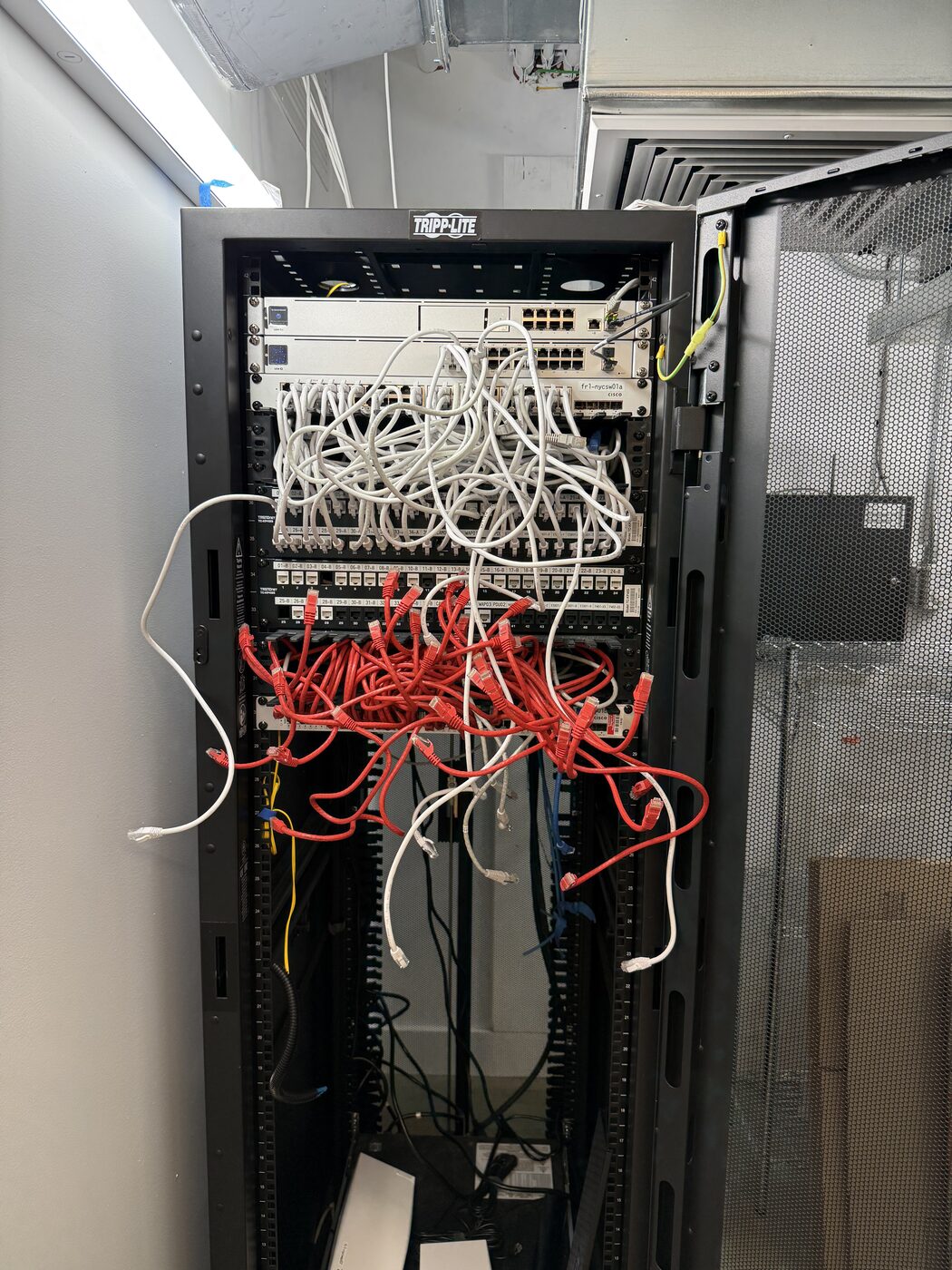
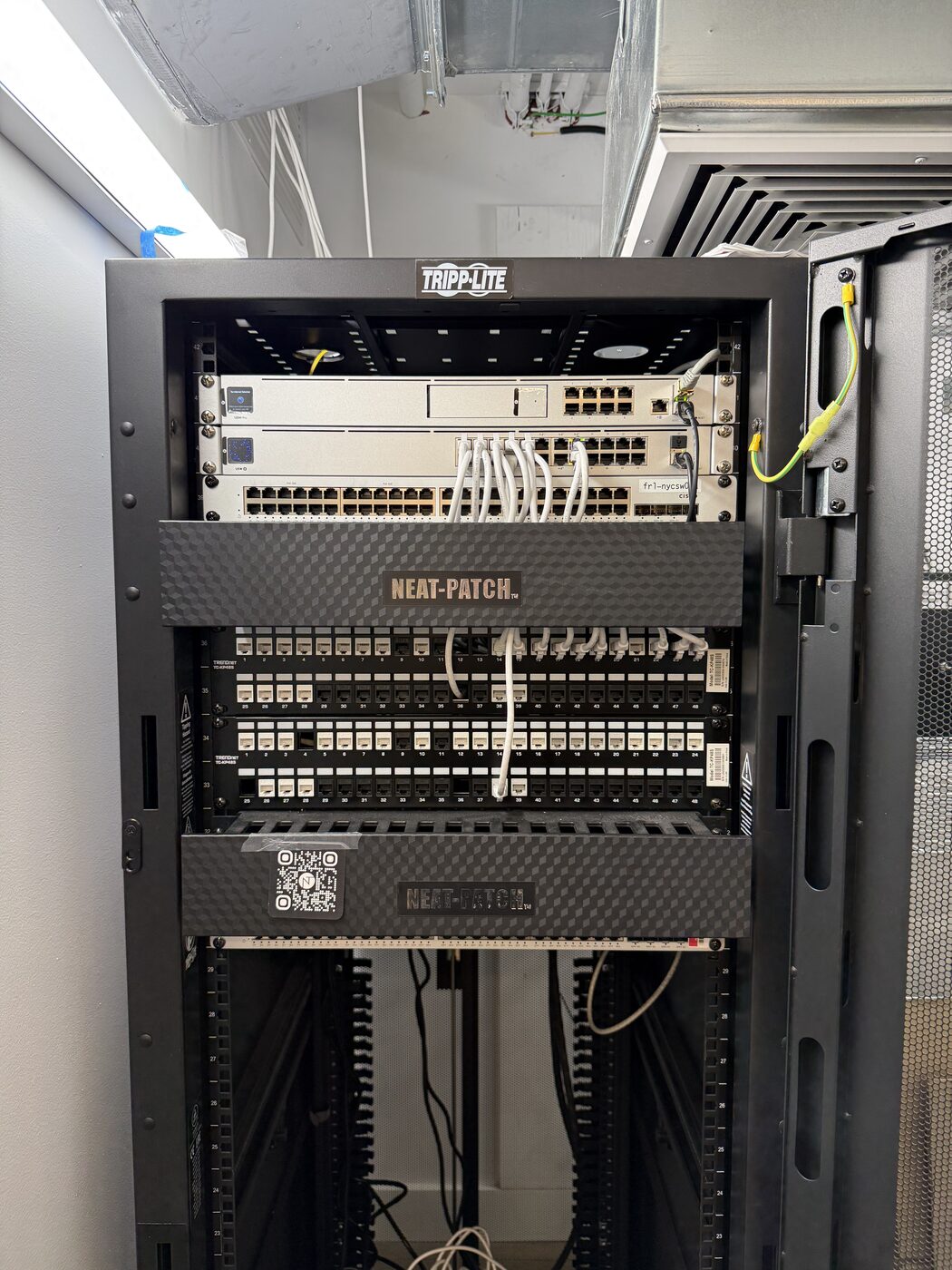
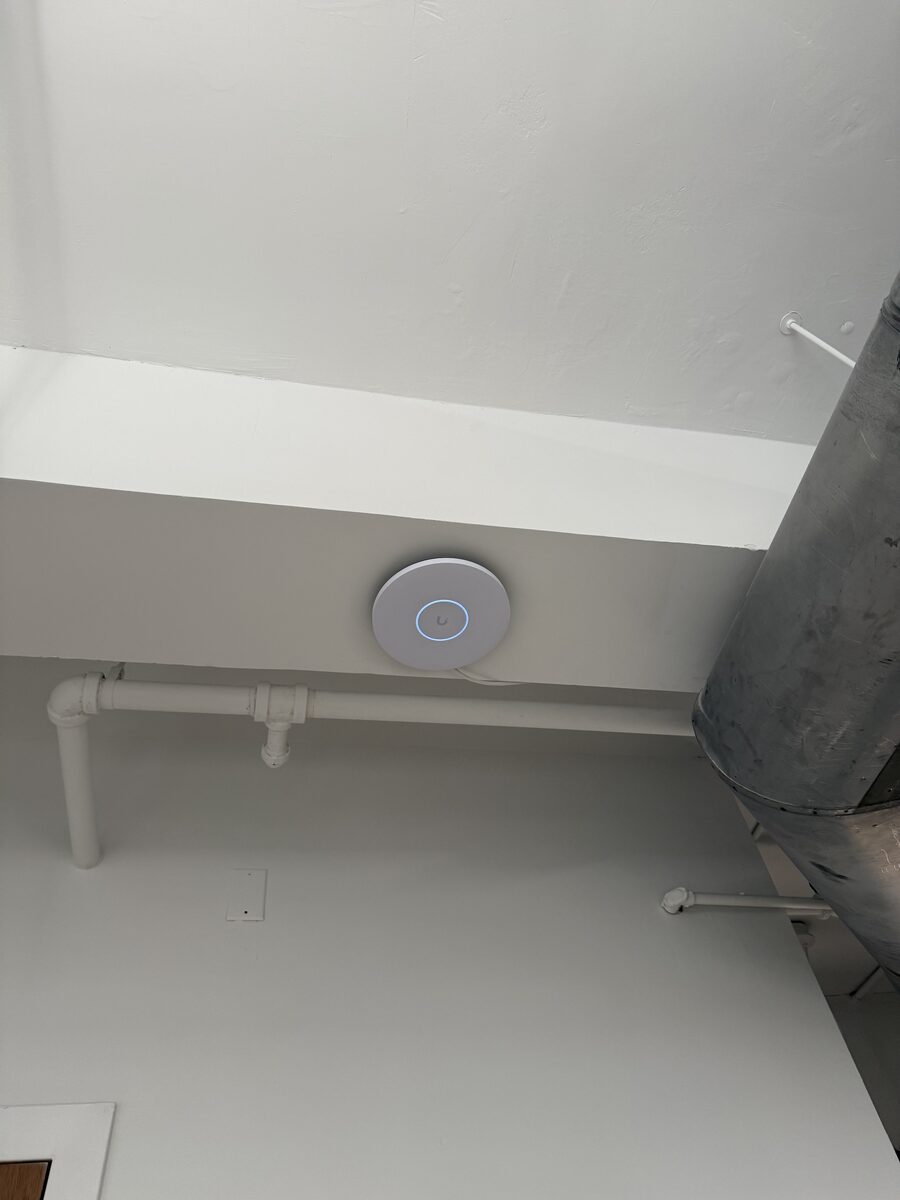
Existing cable paths stayed put. We remounted APs off metal ductwork, tested and labeled ports, and cleaned up the rack so it was serviceable.
Messy patch leads out. Cable managers in. APs off the metal so coverage actually reached the room.
Same Tripp-Lite rack before and after, plus a finished AP mount. More photos from this job on LinkedIn
Day to day they run Google Meet. Clients sometimes join on Zoom or Teams, so the room needed to stay flexible. We wiped and reconfigured the prior tenant’s AV, cleaned up the camera and mic cables, and set it up so you plug in a laptop. Not a dedicated Zoom Room. Test calls and a quick walkthrough so Monday wasn’t a surprise.
Existing AV stayed in the room. Laptop plug-in for Meet, Zoom, or Teams.
They already had the monitors, webcams, keyboards, mice, and USB-C docks. Four stations from the old office, four new. We checked everything on site, cleaned up the cable runs (including the Anker docks), and tested on Windows and Mac: camera, audio, charge, drivers. Eight desks ready for real work.
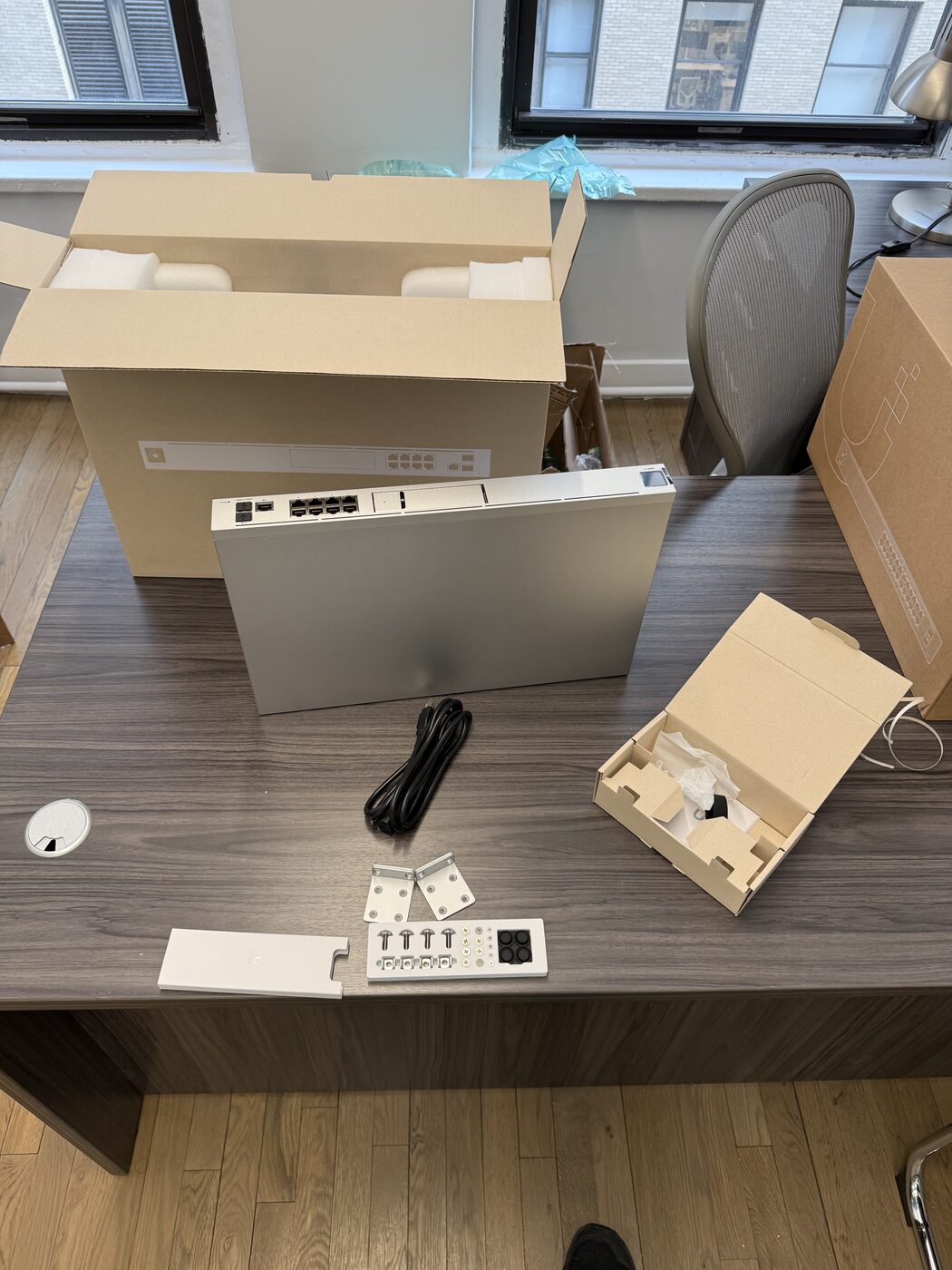
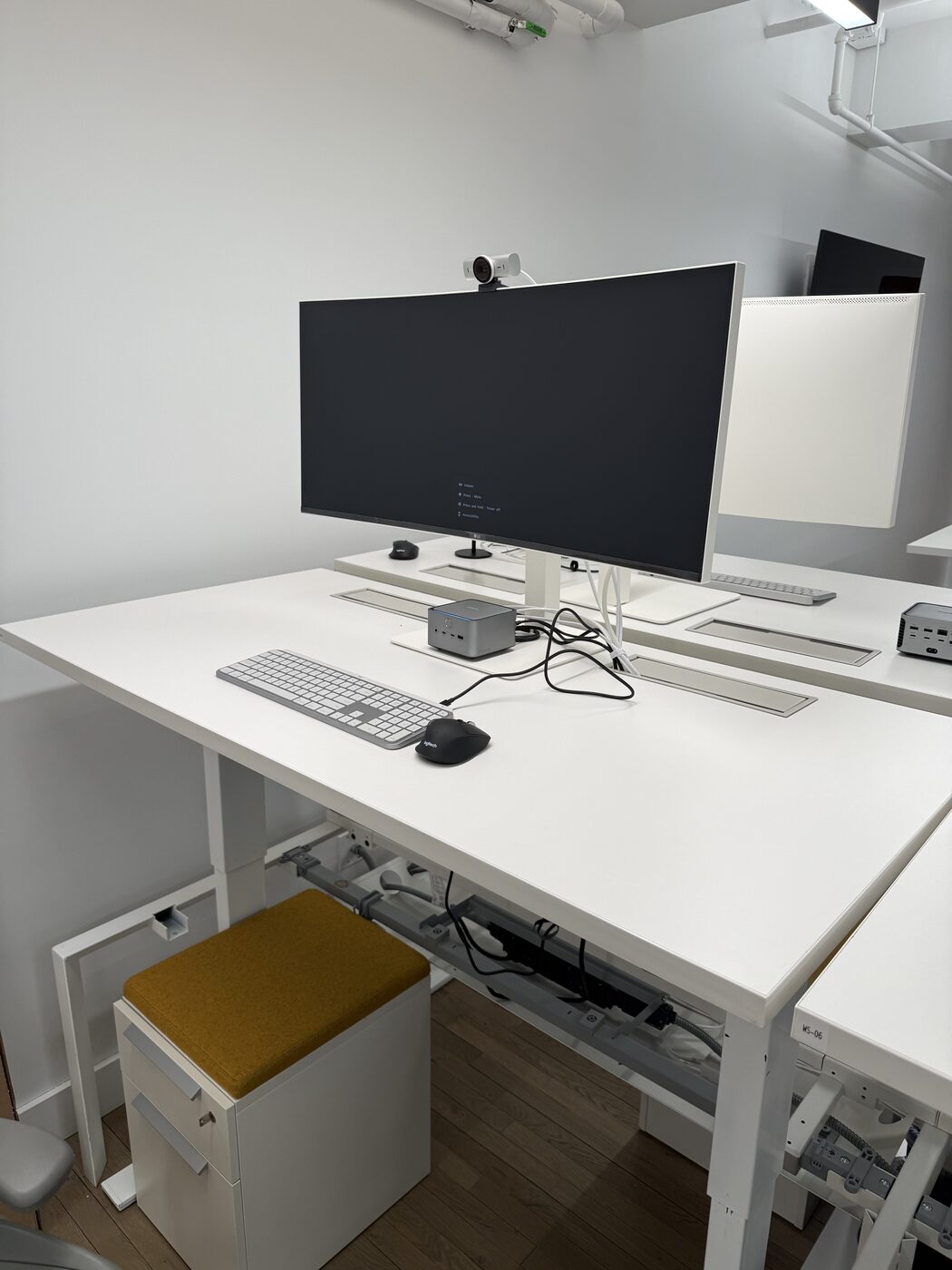
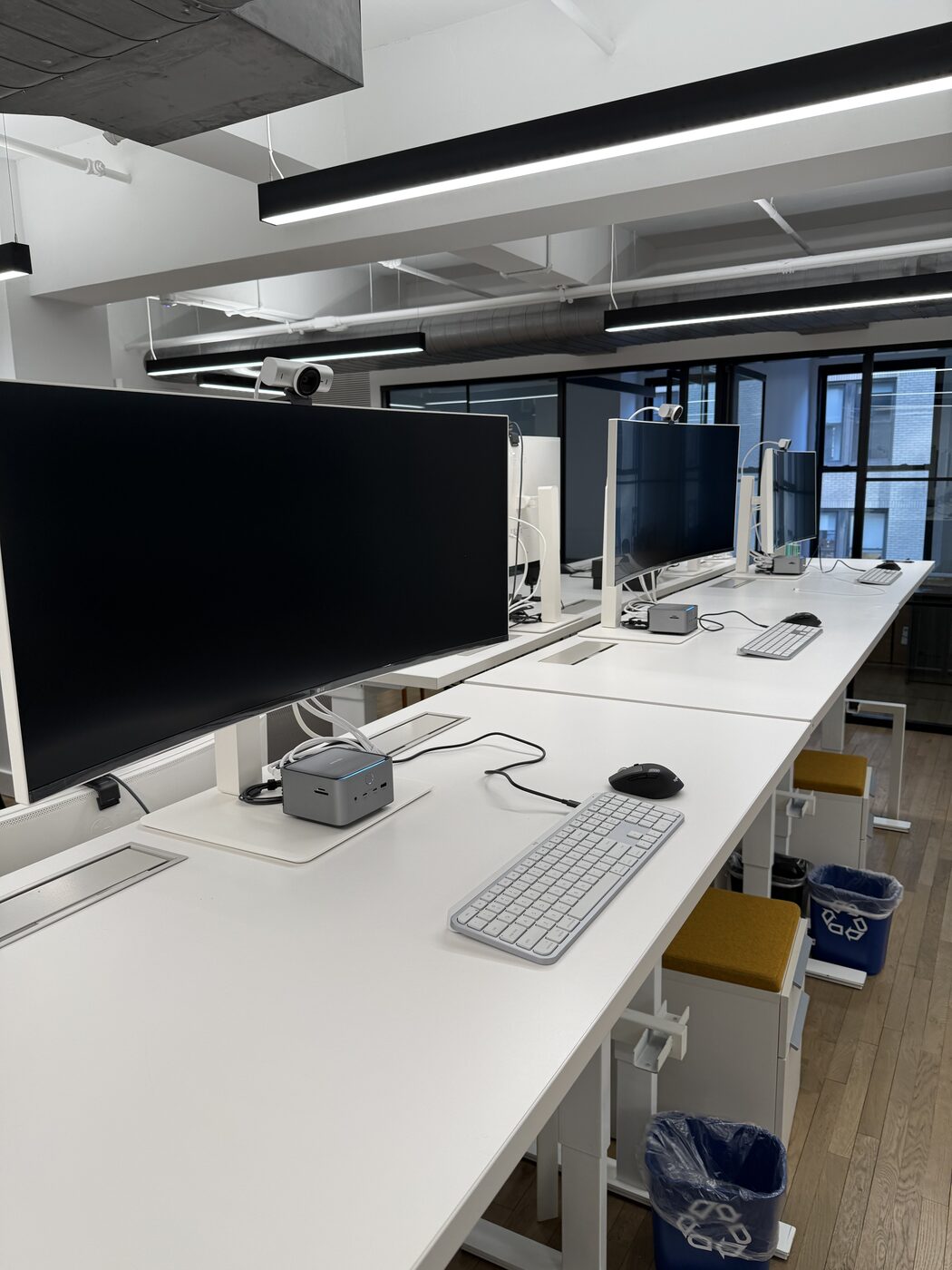
UDM Pro unboxed, one finished desk, and the full workstation row.
They gave the green light midweek. Parts from B&H the next day. COI and building approval took about a day. Friday we were on site for roughly business hours. Network, conference room, and desks were ready so the team could work Monday.
That’s how we handle urgent when the pieces line up: clear scope, parts in hand, insurance cleared, one focused day on site.
Once UniFi is live and the desks work, the real win is what happens next. Flat monthly managed IT keeps the network, Microsoft 365, and day-to-day support watched, with 24/7 monitoring so issues get caught before people show up Monday. Support still runs during business hours; emergencies get escalated. You work with a founder-led team, not a call center.
Offices like this are exactly what managed IT is built for: one stack, one team, one flat monthly rate. See how that works on Managed IT.
Related: Business Networking & Wi-Fi · Build-Outs & Moves · New York City
Book a call or get an assessment. Founder-led. We’ll tell you straight what the room needs.
A lot of teams start with a project like this, then move to flat monthly managed IT when they want UniFi, Microsoft 365, and day-to-day support watched.
Pelham, NY · (914) 714-4312